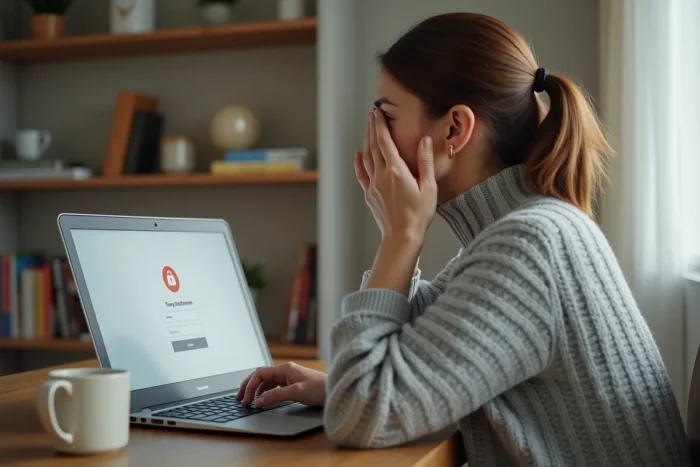
The MyFoncia login screen displays an error, the password no longer works, or the page remains blank after several attempts. This type of blockage often occurs at a specific moment: consulting a call for funds, checking a statement of charges, or downloading a rent receipt. Before contacting the Foncia agency, several quick checks can help restore access to the client area.
Blockage on the MyFoncia login page: check the browser and cache
We rarely think about the browser, yet it is the most common cause of a blank page or loading error. A saturated cache, outdated cookies, or a browser extension (ad blocker, built-in VPN) can prevent the MyFoncia login page from functioning properly.
The first concrete action: clear the browser’s cache and cookies, then retry the login attempt. On Chrome, Firefox, or Edge, this operation can be done from the privacy settings in just a few clicks.
If the problem persists, you can test with another browser or in private browsing mode. This simple change is enough in most cases to restore access. For further diagnosis, you can find the advice from Mon Projet Immo that details each troubleshooting step according to the type of profile (tenant, co-owner, owner).
Another often overlooked point: the MyFoncia mobile app is generally more stable than access via browser when a technical bug affects the website. Several analyses of customer feedback confirm this trend. If access via computer is blocked, trying to log in from the smartphone app can immediately resolve the situation.
Lost password or first connection identifier not found
The most common case among tenants: the welcome email sent during the lease signing, which contained the temporary identifier, cannot be found. For co-owners and owners, this identifier is found on the last call for funds or the management report, respectively.
- Tenants: search the email inbox (including spam) for the Foncia welcome email sent at the lease signing
- Co-owners: locate the last paper or digital call for funds received from the agency
- Landlords: consult the last rental management report
If these documents cannot be found, the customer service of the local Foncia agency can resend a first connection identifier. You can contact the agency by phone during regular hours or via the online form on the Foncia website.
Resetting a forgotten password after the first connection
Once the account is activated, the permanent identifier is the email address provided during the creation of the client area. The MyFoncia login page offers a “Forgot Identifier” link that redirects to the recovery procedure.
A reset email is then sent. Checking the spam folder is a step not to be skipped, as these automatic emails regularly end up there. The new password must meet security criteria: a minimum of six lowercase letters, one uppercase letter, and one digit.
Account blocked or access denied despite correct identifiers
Some blockages are not simply due to forgetting a password. An account may become locked after too many failed attempts, or because the associated email address has been changed by the agency without clear notification.
In this case, using the integrated MyFoncia messaging (if you can access it via the mobile app, for example) has a concrete advantage: each exchange is timestamped and preserved. This written record is useful if the blockage persists or if there is a dispute regarding the file.
When the problem comes from the Foncia server side
Technical outages occasionally affect the MyFoncia site. Foncia sometimes communicates about these incidents via its social media. If the connection fails for everyone at the same time, you can only wait for the server-side resolution.
To distinguish a general outage from a personal problem, you can check online outage reporting sites or simply ask another Foncia user to test their own connection.

MyFoncia account security: reflexes to take after a connection incident
A repeated blockage may be a sign of a fraudulent access attempt. If you receive password reset emails without having requested them, or if the login history shows unusual access, you need to react quickly.
- Immediately change the password by choosing a unique combination not reused on other services
- Check that the contact email address associated with the account is indeed yours
- Contact Foncia customer service to report the suspicious activity and request a temporary lock if necessary
- Never share your MyFoncia password via email or phone, even with someone claiming to be an advisor
Feedback varies on the responsiveness of customer service depending on the agencies, but the contact form on the Foncia website remains the most reliable channel to formalize a request related to account security.
Keep your documents accessible offline
A good practice after each successful login: download important documents (rent receipts, calls for funds, statements of charges) and store them locally. In case of a new blockage, you have the documents without relying on access to the client area.
Connection issues with MyFoncia are rarely permanent. Most are resolved by combining browser cleaning, checking identifiers, and, as a last resort, direct contact with the agency. Downloading the MyFoncia mobile app as a backup access remains the simplest gesture to avoid getting stuck at the worst moment.